
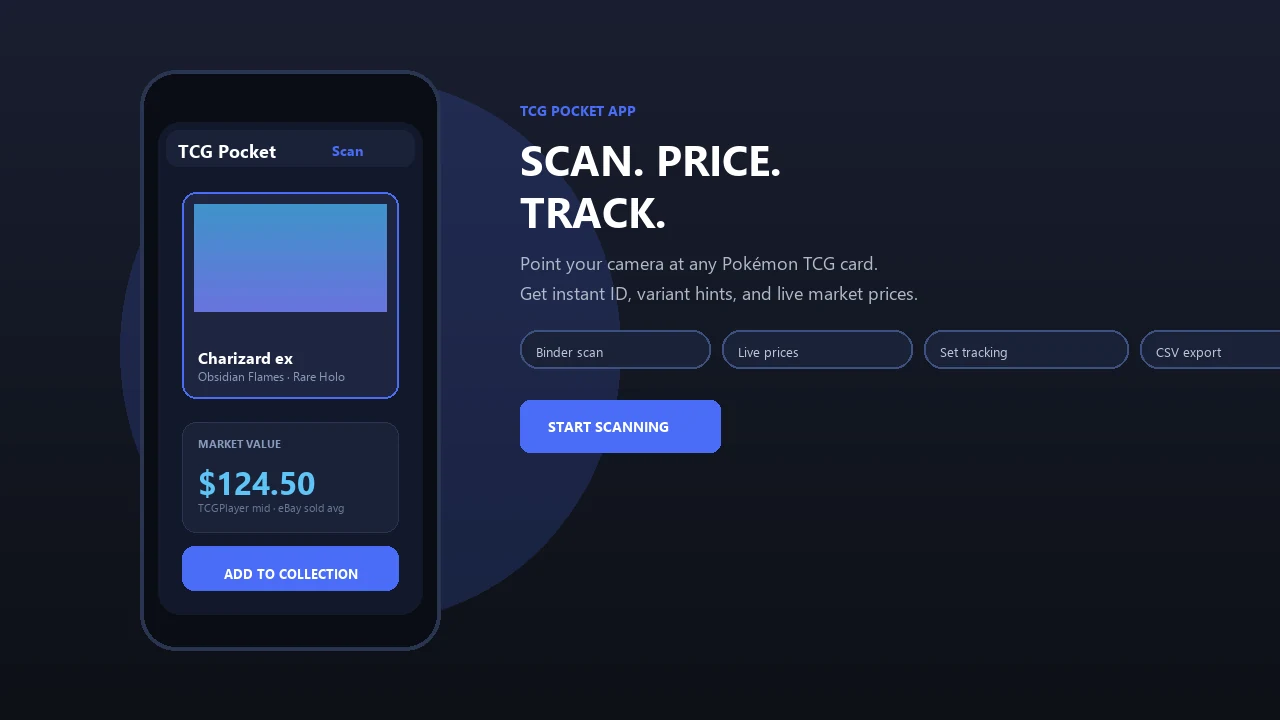
Photograph a raw Pokémon card to assess visible condition, identify possible defects, and estimate a likely grade range before paying submission and shipping costs.
Pokemon Card Scanner runs on iOS and web. Get ai pre grade pokemon cards when you are ready to scan.
What Is AI Pre-Grading for Pokémon Cards?
AI pre-grading uses computer vision to inspect photographs of a physical trading card and estimate its visible condition. Pokemon Card Scanner reviews the areas that usually matter most during grading: centering, corners, edges, and surface. The result can help you decide whether a raw card appears suitable for submission to PSA, CGC, or BGS.
This process is a pre-screen, not an official grade, certification, or authentication. Professional grading companies inspect cards in hand, apply their own standards, and may detect issues that are difficult to capture in photographs. The goal is to narrow a submission list, compare cards, and spot obvious condition problems before you pay grading and shipping fees.
Check Centering, Corners, Edges, and Surface
Condition estimates are built around four recurring grading areas. Guredo, PreGradeCards, CardGrade, and other pre-grade services describe these same visible dimensions in their grading workflows. Each area can affect the predicted range, although professional grading companies may weigh defects differently.
- Centering: Compare border proportions from left to right and top to bottom on the front and back.
- Corners: Look for rounding, whitening, fraying, bends, or compression at each corner.
- Edges: Identify chips, whitening, rough cuts, dents, and wear along the card perimeter.
- Surface: Review visible scratches, print lines, scuffs, stains, indentations, and foil damage.
A condition report is most useful when it explains which visible areas may hold a card back instead of presenting a number without context.
How to Pre-Grade a Pokémon Card
Use the iOS or web experience to photograph or upload clear images of the card. Most pre-grade workflows require both sides because back centering, edge whitening, and corner wear can materially change the estimate.
- Remove the card from its sleeve, top loader, or semi-rigid holder if it can be handled safely.
- Place it on a flat, plain background with strong contrast around the borders.
- Use soft, even lighting and avoid direct reflections across foil or glossy surfaces.
- Keep the camera parallel to the card so perspective does not distort centering.
- Capture the entire front and back at the highest practical resolution.
- Review the condition findings and likely range before creating a grading submission.
CardGrade and CardMintAI both emphasize clear front and back photography, even lighting, and low glare. Blurry images, sleeves, shadows, and angled photos can conceal wear or create misleading border measurements.
Estimate a Grade Range, Not a Guaranteed Result
An AI pre-grade should be treated as an informed condition estimate. It cannot guarantee that PSA, CGC, or BGS will assign a particular grade. Human graders inspect cards under controlled conditions and may find fine scratches, dents, alterations, print defects, or structural damage that a standard photograph does not reveal.
Results can also vary between grading companies because their standards, labels, and review processes are not identical. CardGrade explicitly positions automated analysis as pre-screening rather than a replacement for professional grading. Use the estimate to compare submission candidates and understand visible weaknesses, but leave room for a different final result.
- Do not treat a prediction as certification.
- Do not use condition analysis as proof of authenticity.
- Retake photographs when glare or blur obscures the card.
Decide Whether a Card Is Worth Grading
Pre-grading is most valuable when several raw cards are competing for a limited grading budget. A card with strong centering and clean corners may be a better submission candidate than another copy with visible whitening, even when both look similar inside sleeves.
After reviewing condition, compare the card's raw market value with recent sales for professionally graded copies. TCGplayer can provide market context for many English-language Pokémon cards, while eBay sold listings show realized prices across raw and graded conditions. Cardmarket is also useful for European market comparisons. These marketplaces have different buyers, fees, currencies, and listing standards, so compare like-for-like cards and recent sales rather than relying on one asking price.
Remember to account for grading fees, shipping, insurance, turnaround time, and the possibility of receiving a lower grade than expected. A large value difference at the highest grade does not mean every clean-looking card will achieve it.
Build a More Consistent Pre-Grading Routine
Consistency matters when evaluating a collection. Photograph cards with the same background, lighting, distance, and camera angle whenever possible. This makes it easier to compare centering and visible wear across multiple copies.
- Start with cards that have meaningful raw or graded market value.
- Separate obvious binder copies from stronger grading candidates.
- Review both sides at full resolution before accepting an estimate.
- Use issue highlights to inspect the physical card again under angled light.
- Record the predicted range and compare it with the eventual professional result.
Pokemon Card Scanner is available on iOS and the web for collectors working with physical trading cards. TCG Pocket App refers here to the site brand and should not be confused with the official Pokémon TCG Pocket digital game.