Pokemon Card Scanner offers a focused, camera-first workflow for identifying physical Pokémon cards and checking values on iOS or the web. PriceCharting combines card scanning with broader collectible pricing, sales history, and collection management.
Pokemon Card Scanner runs on iOS and web. Get pokemon card scanner vs pricecharting when you are ready to scan.
What Is the Difference Between Pokemon Card Scanner and PriceCharting?
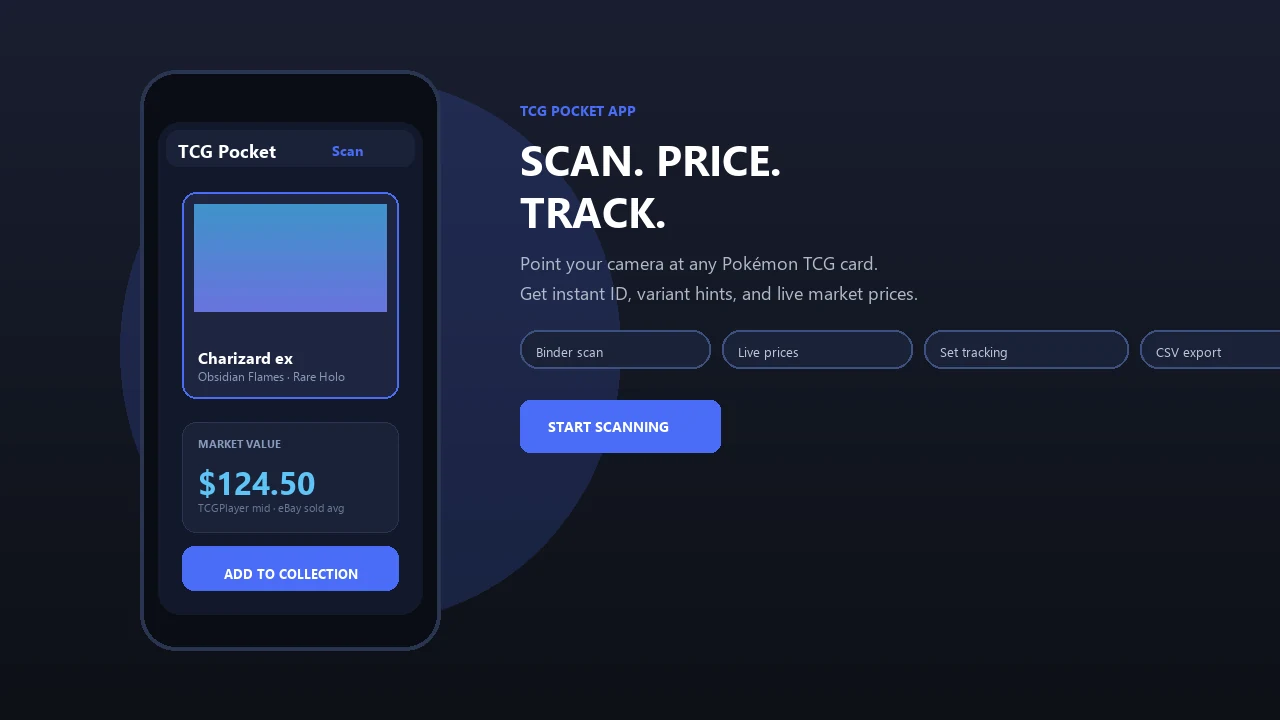
Pokemon Card Scanner is a mobile-first tool for identifying physical Pokémon cards and checking their potential market value. The typical workflow is simple: point your iPhone camera at a card, identify the matching set and printing, then review available pricing information. A web version is also available when you want to search or review cards from a larger screen.
PriceCharting is a broader pricing database and collection tracker. Its coverage extends beyond Pokémon cards to categories such as video games, comics, sports cards, LEGO, and coins. PriceCharting also provides photo scanning in its mobile app, so it should not be treated as a desktop-only service or a platform without scanning.
The practical distinction is focus. Pokemon Card Scanner prioritizes rapid identification and value checks for Pokémon collectors, while PriceCharting combines scanning with historical pricing, condition-based values, and portfolio tools across many collectible categories.
Camera-First Scanning vs Database-First Research
A dedicated scanner is most useful when the camera is the starting point. You may be sorting a binder, checking cards at a show, reviewing a newly opened pack, or looking through a collection you plan to buy. In those situations, manually entering a card name, number, set, and variant can slow down the process.
Pokemon Card Scanner is designed around a point, scan, identify, and price workflow on iOS. This makes it a practical choice when you need quick answers while handling physical cards. The web version supports follow-up searches and value research without changing the Pokémon-focused experience.
PriceCharting supports photo scanning too, but its wider strength is database research. Collectors can search across multiple collectible types, inspect price history, organize a collection, and maintain wishlists. That broader structure can be helpful, although it may be more than a Pokémon-only collector needs for routine identification.
How the Pricing Data Should Be Used
No card value tool should be treated as a guaranteed sale price. Pokémon card values vary according to condition, language, edition, set, demand, location, and whether the card is raw or professionally graded. Even cards with the same name and artwork may have different values because of card numbers, rarity treatments, promotional releases, or reprints.
PriceCharting says it calculates market prices using thousands of daily sales and data from sources that include eBay, Heritage, PWCC, and other marketplaces. This emphasis on completed sales and historical records is useful when researching price movement rather than relying on current asking prices.
Collectors may also compare TCGplayer for U.S. raw-card market references, eBay sold listings for completed transactions, and Cardmarket for European pricing. A scanner provides a fast starting point, but checking the exact printing and several recent comparable sales produces a more informed estimate.
Raw, Graded, and Condition-Based Card Values
Condition can create a substantial difference between two copies of the same Pokémon card. Whitening, scratches, print lines, dents, centering, creases, and surface wear may affect what a buyer will pay. A camera scan can identify a card, but it cannot guarantee a professional condition or grading result.
PriceCharting is particularly useful when you want condition-based pricing context. Its published product information describes values ranging from ungraded cards through PSA 10 examples. This can help collectors compare raw and graded sales or decide whether further grading research is worthwhile.
For slabbed cards, confirm the grading company, numerical grade, label details, and certification information. PSA, CGC, and BGS are common grading benchmarks, but sales should be compared with cards in the same holder and grade whenever possible. Pokemon Card Scanner is best used for quick identification and an initial value check, followed by closer inspection for high-value or grading-sensitive cards.
Collection Tracking and Cross-Collectible Coverage
PriceCharting has an advantage for collectors who want one database covering several hobbies. Its listed features include collection tracking, wishlist tools, and pricing for trading cards as well as other collectible categories. Historical records can also help users monitor how estimated portfolio values change over time.
Pokemon Card Scanner takes a narrower approach. It is intended for people scanning and researching physical Pokémon cards rather than managing video games, comics, coins, or unrelated collectibles. That specialization reduces the need to move through categories that are not relevant to a Pokémon binder or card lot.
Your preferred approach depends on the collection. A seller managing many types of collectibles may benefit from PriceCharting's wider catalog. A Pokémon collector who frequently sorts cards, checks trades, or identifies unfamiliar set symbols may prefer the direct camera-first workflow of Pokemon Card Scanner on iOS, with web access available for additional research.
Which Option Fits Your Collecting Workflow?
Choose based on the task you perform most often rather than looking for one tool that is best in every situation. Both services can contribute to card research, and using more than one pricing reference is sensible for expensive, rare, or unusually graded cards.
- Choose Pokemon Card Scanner if you want fast, Pokémon-focused identification from an iPhone camera.
- Choose it when checking cards while sorting binders, buying collections, visiting card shows, or discussing trades.
- Use the web version when you prefer keyboard-based searches or want to review information on a larger display.
- Consider PriceCharting when historical sales, raw-versus-graded comparisons, wishlists, and broad collection tracking are priorities.
- Consider PriceCharting when your collection also includes video games, comics, sports cards, LEGO, coins, or other categories.
For many Pokémon collectors, the tools can be complementary. Start with Pokemon Card Scanner for quick identification and an initial value check, then consult marketplace sales or PriceCharting history when a card requires deeper pricing research.