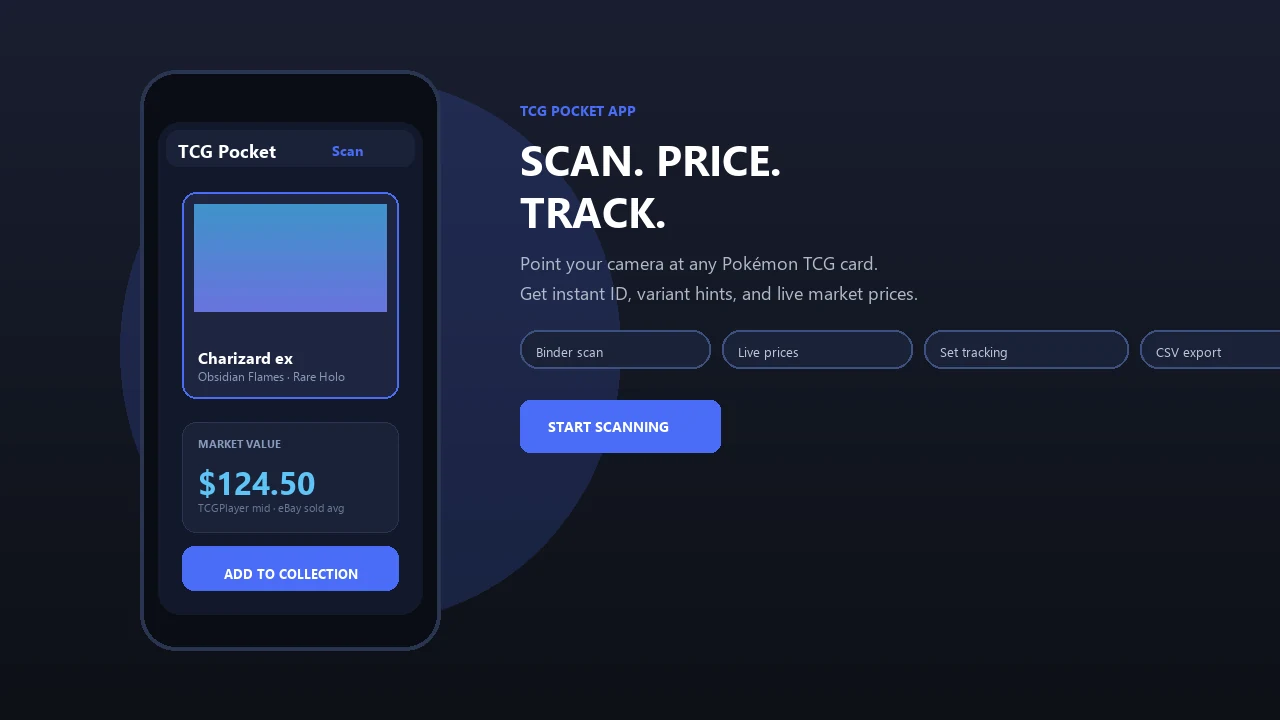
Identify physical One Piece TCG cards, organize your collection and research current values with a quick scanning workflow. Pokemon Card Scanner remains built around Pokémon collecting while supporting collectors who buy, sell and track cards across both games.
Pokemon Card Scanner runs on iOS and web. Get one piece card scanner app when you are ready to scan.
What Is a One Piece Card Scanner?
A one piece card scanner uses your device camera or an uploaded image to identify a physical One Piece Card Game card. It helps match the artwork and printed details with a set, card number, rarity or variant, reducing the time spent searching through checklists manually.
Pokemon Card Scanner brings this familiar workflow to collectors who primarily manage Pokémon cards but also collect One Piece TCG products. You can scan on iOS or use the web-based tools when working from a computer. The goal is fast identification followed by a more careful review of the exact printing and its market context.
Scanning is especially useful after opening booster packs, sorting a mixed collection or checking cards at a local event. The result should be treated as a starting point because alternate art, parallel and promotional cards can share similar names or artwork.
How to Scan One Piece TCG Cards
Start with the card outside a sleeve when it is safe to do so, or use a clean sleeve that does not create glare. Place the card on a plain, contrasting surface and provide even lighting across the artwork, name and lower card details.
- Open the scanner on iOS or the web.
- Center one card inside the camera frame.
- Keep the card flat and avoid covering its corners or printed number.
- Capture a sharp image, then review the suggested match.
- Confirm the set code, card number, rarity and artwork before saving it.
If the first scan returns the wrong version, move away from direct light and try again. For cards with similar illustrations, manually checking the printed identifier is the most reliable way to separate standard, parallel and alternate-art versions.
Check One Piece Card Prices Carefully
A scanner can shorten the path from an unknown card to relevant price research, but no single displayed number represents every transaction. Card value changes with condition, language, printing, seller location, recent demand and whether the card is raw or professionally graded.
TCGplayer is a major U.S. marketplace reference and its mobile app supports scanning for the One Piece Card Game alongside Pokémon and several other trading card games. Cardmarket provides useful European pricing context. For another view, completed eBay sales can show what buyers recently paid rather than what sellers are currently asking.
Compare like with like. A near-mint English alternate art should not be valued from a heavily played copy, a Japanese printing or an unsold listing. When recent sales are limited, use a range and record the date of your research instead of treating one listing as a fixed market price.
Identify Sets, Rarities and Variants
One Piece TCG cards contain several details that help confirm an identification. The card number and set code are usually more dependable than artwork alone, especially when a character appears across many expansions or promotional releases.
- Check the character, event, stage or leader name.
- Match the complete card number and set prefix.
- Review the printed rarity and card type.
- Compare artwork, foil treatment and border details.
- Confirm the language and promotional markings.
Parallel and alternate-art cards can carry substantial premiums over base versions, so selecting the correct variant matters. Promotional cards may also use numbering that differs from standard booster releases. If a scan suggests multiple possible matches, inspect the card under neutral light and compare every printed identifier before adding a price or collection entry.
Track a One Piece Card Collection
Collection tracking turns individual scans into a practical inventory. Record the exact printing, quantity and condition so duplicate cards do not become mixed with higher-value variants. Notes can also help distinguish cards reserved for decks, trades or long-term collecting.
A useful inventory may include the card name, set code, number, rarity, language, condition and acquisition cost. If you update values, add the source and date because marketplace prices can move after a new release, tournament result, reprint or restriction announcement.
Collectors who own both One Piece and Pokémon cards can apply the same sorting discipline across each collection while keeping the games in separate lists. Pokemon Card Scanner remains the primary tool for Pokémon identification and collection checks, with One Piece scanning serving collectors who have expanded into another physical TCG.
Raw Cards, Graded Cards and Selling Decisions
Most camera scans identify the underlying card, not its professional grade. Surface scratches, edge wear, corner damage, centering and print defects require close inspection and cannot be determined reliably from a basic front image.
For a slabbed card, confirm the grading company, numerical grade, label details and certification information before researching prices. PSA population reports can provide supply context for specific graded One Piece cards, but population figures do not guarantee demand or a future selling price. Compare sales for the same card and grade whenever possible.
Before listing a raw card, describe its condition conservatively and photograph the front, back, corners and any defects. Use sold comparisons from the same language and variant. Scanner-assisted identification can prevent listing errors, but accurate condition notes and clear images remain essential for buyers, sellers and traders.