
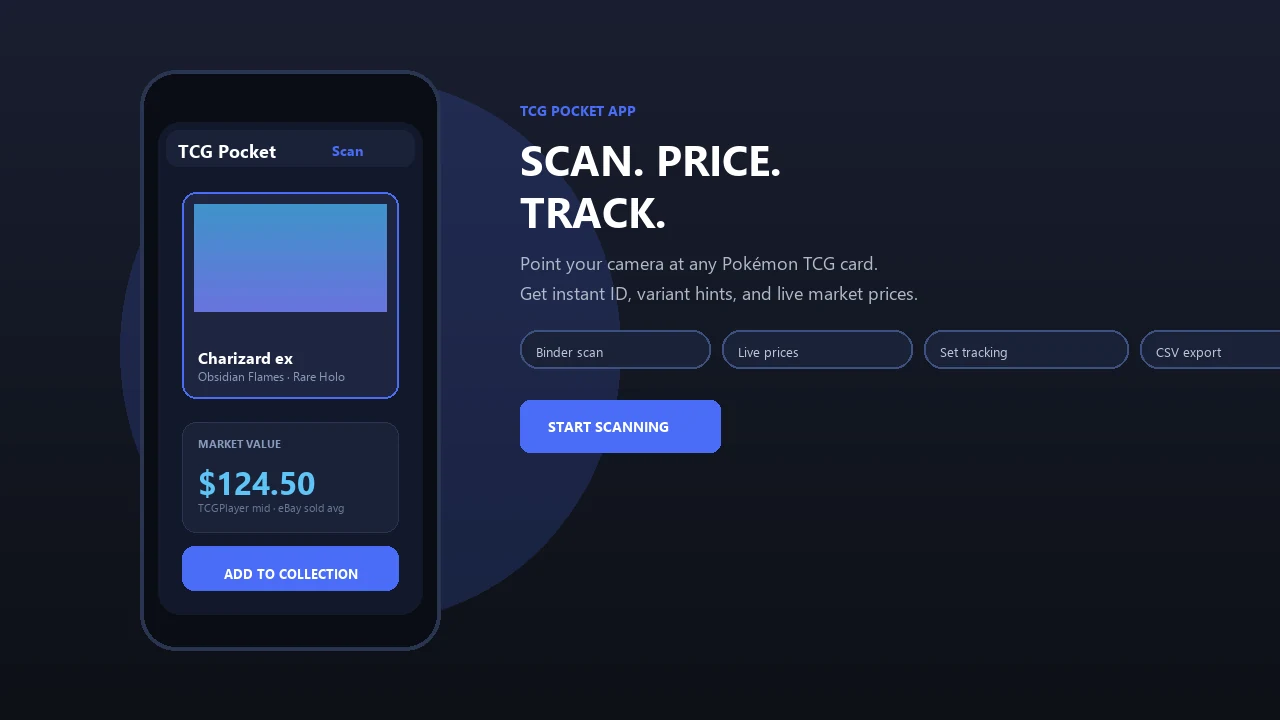
Process large stacks of physical Pokémon cards without stopping to research every card. Pokemon Card Scanner helps resellers identify cards, organize batches, review values, and maintain a running total from iOS or the web.
Pokemon Card Scanner runs on iOS and web. Get bulk scan pokemon cards when you are ready to scan.
What Does It Mean to Bulk Scan Pokemon Cards?
To bulk scan Pokemon cards is to process a large physical collection through a repeatable scan, review, and inventory workflow. Instead of searching for each card by set, name, and number, Pokemon Card Scanner uses the card image to speed up identification and help you work through stacks more efficiently.
This approach is useful for resellers buying collections, sorting trade-ins, preparing show inventory, or cataloging hundreds of cards from mixed sets. A productive session is not only about scan speed. It also needs clear batches, reliable card matching, condition checks, pricing references, and a way to monitor the estimated value as the lot grows.
Modern reseller workflows commonly separate identification from final pricing. Cards are scanned first, questionable matches are reviewed, and pricing or listing decisions are handled after the batch is organized. This keeps the physical stack moving and avoids interrupting the session for every individual card.
Prepare Your Cards Before Continuous Scanning
A few minutes of preparation can prevent slowdowns later. Remove cards from binders, separate sleeved or top-loaded cards when practical, and place every card in the same orientation. Use a clean, uncluttered background with even lighting so artwork, borders, and the printed card number remain visible.
- Separate Pokémon, Trainer, and Energy cards if that helps your inventory structure.
- Group obvious sets, languages, or eras when handling mixed collections.
- Place damaged, reflective, or unfamiliar cards in a review pile.
- Keep potentially valuable cards separate from ordinary bulk.
- Decide how many cards will belong to each batch before scanning.
Pre-sorting does not need to become a second cataloging project. The goal is simply to reduce handling and create predictable groups. Batches of consistent size also make it easier to reconcile the number scanned against the number physically present.
Use a Scan, Confirm, and Continue Workflow
For large lots, use a continuous cycle: scan a card, confirm the likely match, place it in the completed stack, and move to the next card. Do not pause for detailed marketplace research unless a result appears incorrect or the card could materially affect the value of the batch.
- Create a batch for the collection, purchase, box, or seller.
- Scan cards individually while keeping their original order.
- Confirm set name, collector number, variant, and rarity.
- Flag uncertain matches rather than researching them immediately.
- Finish the batch and review all flagged cards together.
- Start the next batch while preserving the session totals.
Tool documentation and reseller workflow demonstrations commonly follow this batch-based pattern. It lets sellers process one stack after another while maintaining cleaner records than a single unstructured inventory list. On Pokemon Card Scanner, you can follow the workflow from iOS or continue organizing through the web.
Track Running Value Without Treating It as a Final Price
A running total gives resellers a quick estimate of how much value may be present in a collection. It can help with purchase reviews, lot comparisons, and prioritizing cards for closer inspection. However, the total should be treated as a working estimate rather than guaranteed sale proceeds.
Market value depends on the exact printing, language, condition, buyer demand, selling fees, and current comparable sales. TCGplayer is commonly referenced in United States inventory workflows, while Cardmarket is relevant to many European sellers. eBay sold listings can provide additional evidence of completed transactions.
Use sold comps rather than active asking prices when checking unusual or expensive cards. An active listing shows what a seller wants, while a sold listing shows that a buyer completed a purchase at that price. For cards with few recent sales, review multiple sources and avoid allowing one outlier to define the entire batch value.
Review Condition and High-Value Candidates
Image recognition can help identify a card, but condition still requires a physical inspection. Many bulk sellers apply a reasonable default condition to clean modern cards, then adjust the exceptions. This saves time, provided the default is not used to overlook whitening, dents, creases, scratches, or surface wear.
- Check front and back edges under direct, neutral light.
- Inspect holofoil surfaces from more than one angle.
- Confirm whether the card is regular, reverse holo, promotional, or another variant.
- Set aside cards with printing or language differences.
- Flag valuable cards for a slower condition and authenticity review.
If a card appears to be a grading candidate, remove it from the ordinary listing queue. Examine centering, corners, edges, and surface quality before considering PSA, CGC, or BGS submission. A raw market estimate should not be replaced with a graded-card price unless the card has actually received that grade.
Turn Scanned Batches Into Reseller Inventory
After scanning, clean the data before creating listings or updating inventory. Confirm that every batch has the expected card count, resolve duplicate or uncertain matches, and standardize condition labels. Keep acquisition details with the batch so you can compare estimated value, purchase cost, fees, and eventual revenue.
Reseller tools commonly use CSV files or marketplace-ready exports to move catalog data into inventory systems. Typical fields include card name, set, collector number, rarity, condition, quantity, and reference value. Before importing a file elsewhere, check the destination platform's required column names and accepted condition terminology.
For eBay, TCGplayer, Cardmarket, or another sales channel, review listings before publishing in bulk. Confirm photos and variants for higher-value cards, calculate platform and shipping costs, and avoid copying a reference price without checking recent market activity. The best bulk workflow automates repetitive identification while leaving condition, pricing, and listing judgment with the reseller.