
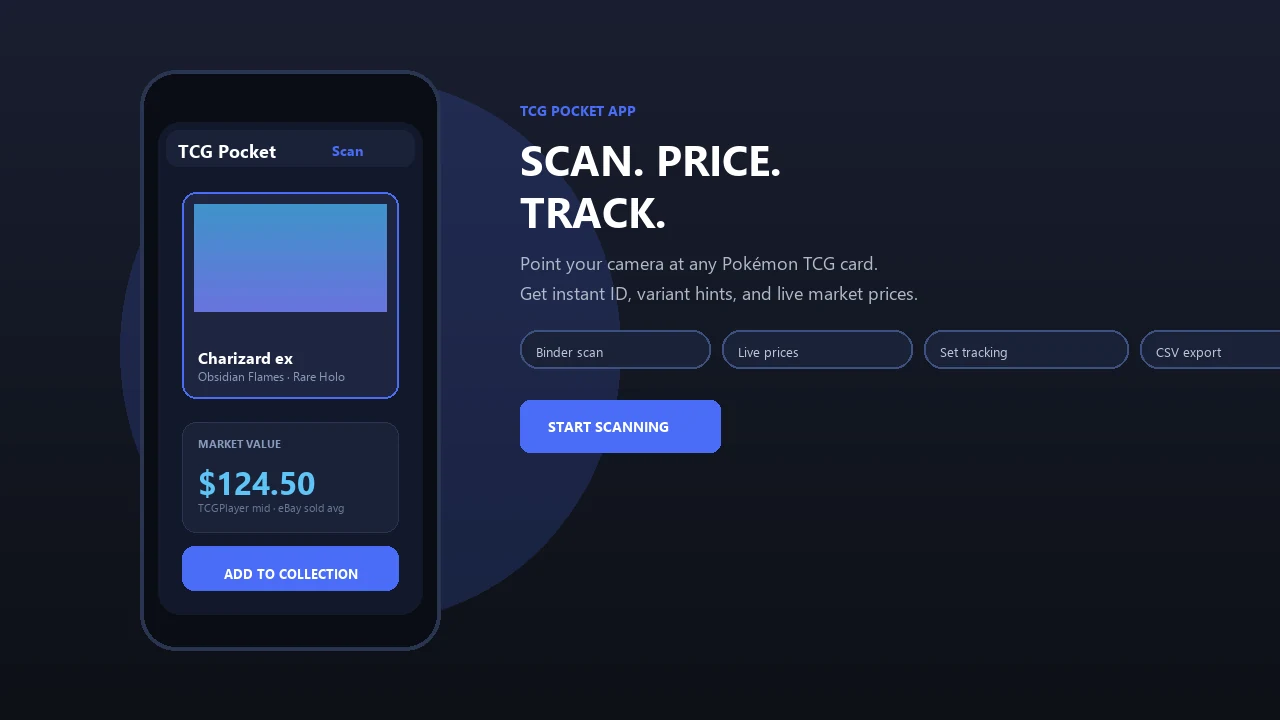
Scan and organize physical Pokémon cards even when venue Wi-Fi is crowded or mobile service is unavailable. Pokemon Card Scanner supports offline identification on iOS and prepared web sessions, while current market pricing refreshes when you reconnect.
Pokemon Card Scanner runs on iOS and web. Get pokemon card scanner offline when you are ready to scan.
What Is an Offline Pokemon Card Scanner?
A pokemon card scanner offline is a tool that can recognize physical trading cards without requiring a live internet connection for every scan. Pokemon Card Scanner keeps essential recognition resources available on your device, helping you identify and record cards in convention halls, stores, trade nights, and other low-signal locations.
The iOS and web scanner is intended for physical cards. It is separate from the official Pokémon TCG Pocket digital game. Once offline resources are prepared, you can continue scanning, save identification results, and review available collection information without waiting for unreliable venue Wi-Fi.
Scan Cards at Conventions and Trade Shows
Large card shows often have congested networks, especially near vendor aisles and tournament areas. Offline recognition lets you keep sorting cards while other visitors compete for the same Wi-Fi or cellular connection.
- Identify cards while browsing vendor tables.
- Record trade candidates before discussing value.
- Sort purchases without leaving the show floor.
- Review saved cards during trade negotiations.
- Continue scanning in basements, halls, and event rooms with weak reception.
For the best results, open Pokemon Card Scanner and prepare your card data before arriving. On the web, complete the initial load while connected and avoid clearing the browser's stored site data before the event.
What Works Offline and What Requires Internet?
Card identification and live valuation are separate tasks. Recognition can use locally available card data, but a current price must be requested from an online marketplace or pricing service. An offline result should therefore confirm which card you have, not guarantee what it is worth at that moment.
- Offline: scan supported cards and match identifying details.
- Offline: save results for later review.
- Offline: view card information and images already stored on the device.
- Online: refresh current raw-card market prices.
- Online: load uncached images or newly released database entries.
- Online: compare current listings and recent sales references.
This separation is common among scanning tools. Simple Poke Scan states that scanning and search work offline while current prices and card images require internet, and Eyevo TCG similarly separates offline scanning from live price updates.
Prepare Before Entering a Low-Signal Venue
A short setup check prevents most offline problems. Complete these steps at home, at your hotel, or anywhere with a stable connection before opening your trade binder at the event.
- Open the iOS scanner or load the web scanner.
- Allow required card resources to finish loading.
- Scan one test card and confirm that it is identified correctly.
- Refresh any prices you expect to reference during the event.
- Keep the web session available and do not clear browser storage.
- Bring a charged device or portable battery for longer shows.
Browser-based offline scanning depends on previously stored resources. MyPokemonScanner, for example, describes a browser model that works offline after the initial load, illustrating why preparation matters before connectivity disappears.
Handle Prices Carefully While Offline
Prices can change while you are disconnected, so cached values should be treated as references rather than live offers. Card condition, language, printing, edition, and grading status can also produce substantial differences between apparently similar cards.
- Confirm the exact set and card number before comparing prices.
- Check whether the card is standard, reverse holo, or another variant.
- Note visible condition before making a trade decision.
- Reconnect before finalizing a higher-value purchase or sale.
- Compare equivalent raw or graded copies rather than mixing categories.
When online, collectors commonly consult TCGplayer, Cardmarket, and eBay sold listings for different views of the market. Eyevo TCG references all three sources, while other tools use TCGplayer for current pricing rather than offline valuation.
Save Scans Now and Review Them Later
Offline scanning is useful even when you do not need an immediate price. Save identified cards as you move through a show, then review your results when you return to a reliable connection. This reduces repeated searches and helps preserve a record of cards that caught your attention.
- Create a list of possible purchases.
- Record cards offered during a trade.
- Review recent scans without rescanning each card.
- Refresh online information after reconnecting.
- Update your collection once current data is available.
Local review is an established approach for low-signal use. Pulldex says it caches saved inventory and recently scanned items for offline viewing, while PokéCardex describes downloaded scans that can synchronize after the connection returns.